

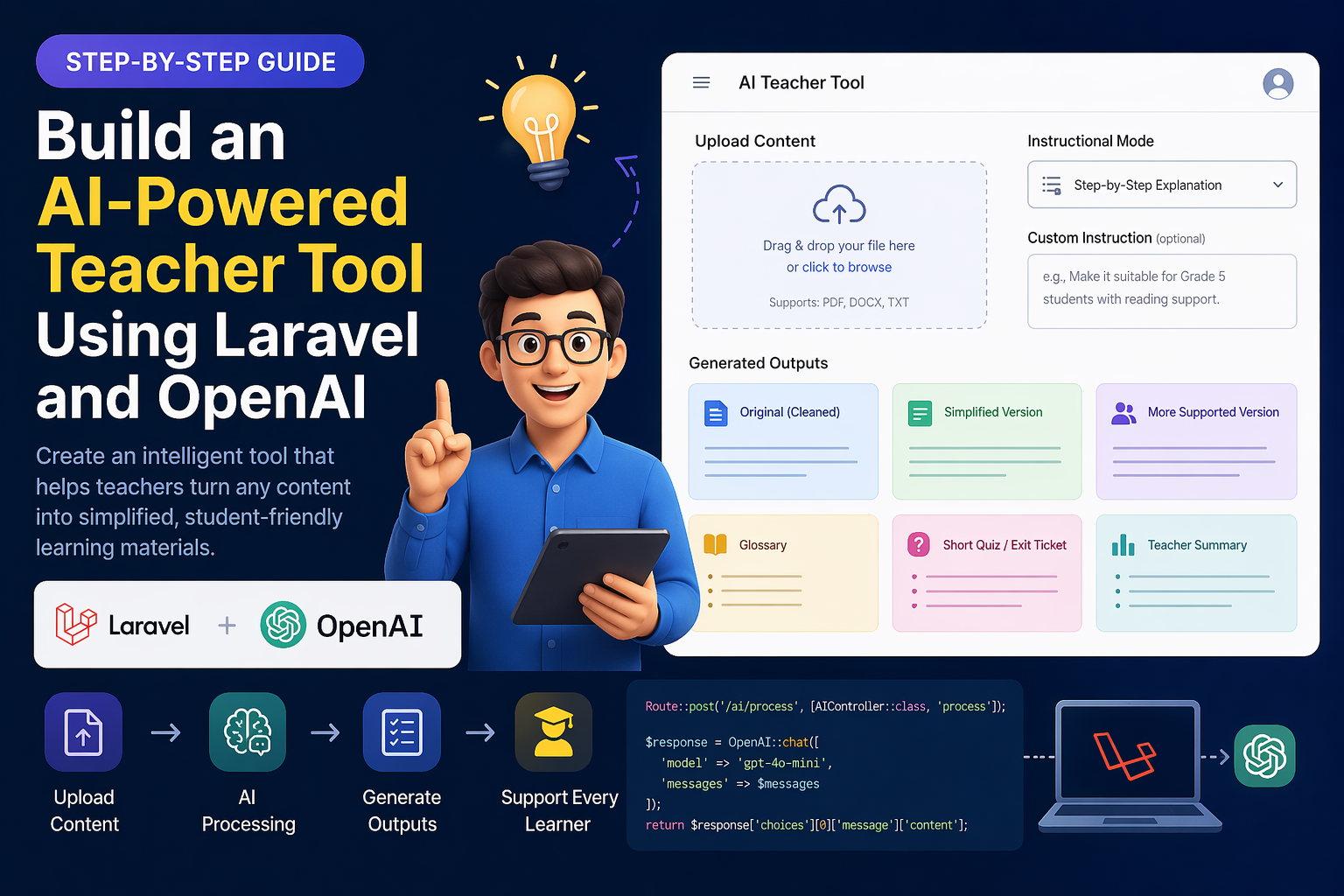
Great — I’ll give you a complete step-by-step blog-style tutorial that you can literally copy, publish, or follow to build your MVP.
No fluff, just practical implementation.
🚀 Build an AI Teacher Tool with Laravel (Step-by-Step Guide)
📌 Overview
In this tutorial, we will build an AI-powered backend using Laravel and OpenAI that:
- Accepts lesson content
- Cleans and structures it
- Generates:
- Simplified version
- Glossary
- Quiz
🧱 Step 1: Create Laravel Project
composer create-project laravel/laravel ai-teacher
cd ai-teacher
Run server:
php artisan serve
🔐 Step 2: Install OpenAI PHP SDK
composer require openai-php/client
⚙️ Step 3: Setup API Key
.env
OPENAI_API_KEY=your_api_key_here
config/services.php
'openai' => [
    'key' => env('OPENAI_API_KEY'),
],
🧠 Step 4: Create AI Service
📁 app/Services/AIService.php
<?php

namespace App\Services;

use OpenAI;

class AIService
{
    protected $client;

    public function __construct()
    {
        $this->client = OpenAI::client(config('services.openai.key'));
    }

    public function generate($prompt)
    {
        $response = $this->client->chat()->create([
            'model' => 'gpt-4.1-mini',
            'messages' => [
                ['role' => 'system', 'content' => 'You are an expert educational assistant.'],
                ['role' => 'user', 'content' => $prompt],
            ],
            'temperature' => 0.7,
        ]);

        return $response->choices[0]->message->content;
    }
}
✍️ Step 5: Create Prompt Service
📁 app/Services/PromptService.php
<?php

namespace App\Services;

class PromptService
{
    public static function clean($text)
    {
        return <<<PROMPT
Clean and structure this educational content.

- Keep meaning same
- Fix grammar
- Remove noise
- Keep poem/story format

Content:
"""
$text
"""
PROMPT;
    }

    public static function simplify($text)
    {
        return <<<PROMPT
Simplify this for Grade 5 students.

- Use simple words
- Short sentences

Content:
"""
$text
"""
PROMPT;
    }

    public static function glossary($text)
    {
        return <<<PROMPT
Extract important words and meanings.

Format:
Word → Meaning

Content:
"""
$text
"""
PROMPT;
    }

    public static function quiz($text)
    {
        return <<<PROMPT
Create:
- 3 MCQs
- 2 short questions

Content:
"""
$text
"""
PROMPT;
    }
}
🎯 Step 6: Create Controller
php artisan make:controller AIController
📁 app/Http/Controllers/AIController.php
<?php

namespace App\Http\Controllers;

use Illuminate\Http\Request;
use App\Services\AIService;
use App\Services\PromptService;

class AIController extends Controller
{
    protected $ai;

    public function __construct(AIService $ai)
    {
        $this->ai = $ai;
    }

    public function process(Request $request)
    {
        $text = $request->input('content');

        // Step 1: Clean
        $clean = $this->ai->generate(
            PromptService::clean($text)
        );

        // Step 2: Simplify
        $simplified = $this->ai->generate(
            PromptService::simplify($clean)
        );

        // Step 3: Glossary
        $glossary = $this->ai->generate(
            PromptService::glossary($clean)
        );

        // Step 4: Quiz
        $quiz = $this->ai->generate(
            PromptService::quiz($clean)
        );

        return response()->json([
            'original' => $clean,
            'simplified' => $simplified,
            'glossary' => $glossary,
            'quiz' => $quiz,
        ]);
    }
}
🌐 Step 7: Add Route
📁 routes/api.php
use App\Http\Controllers\AIController;

Route::post('/ai/process', [AIController::class, 'process']);
📤 Step 8: Test API
Use Postman or curl:
POST /api/ai/process

{
  "content": "Today our papa is searching everywhere..."
}
📊 Sample Response
{
  "original": "...",
  "simplified": "...",
  "glossary": "...",
  "quiz": "..."
}
⚡ Step 9: Improve Performance (Important)
✅ Add Caching
use Illuminate\Support\Facades\Cache;

$clean = Cache::remember(md5($text), 3600, function () use ($text) {
    return $this->ai->generate(
        PromptService::clean($text)
    );
});
✅ Use Queue (Async)
php artisan queue:work
Move AI calls into Jobs to avoid slow responses.
🌍 Step 10: Add Language Support
Modify prompt:
public static function simplify($text, $lang = 'English')
Then pass:
- English
- Arabic
- Hindi
🧩 Step 11: Add Instruction Modes
Example:
Mode: step-by-step / analogy / real-life examples
Append inside prompt.
🚀 Final Architecture
Frontend (Flutter / React)
        ↓
Laravel API
        ↓
AI Service (OpenAI)
        ↓
Prompt Pipeline
        ↓
Structured Output
💡 Pro Tips (From Real Projects)
- Don’t send raw PDF → extract text first
- Always clean content before processing
- Use multiple prompts instead of one
- Cache everything to reduce cost
- Start simple → scale later
✅ Final Result
You now have:
- AI-powered backend ✔
- Structured content generation ✔
- Scalable Laravel architecture ✔
- MVP-ready system ✔
If you want next, I can:
- Add PDF upload + text extraction
- Build Flutter UI
- Or convert this into a SaaS product (login, billing, etc.)
Just tell me 👍
Leave a Reply