

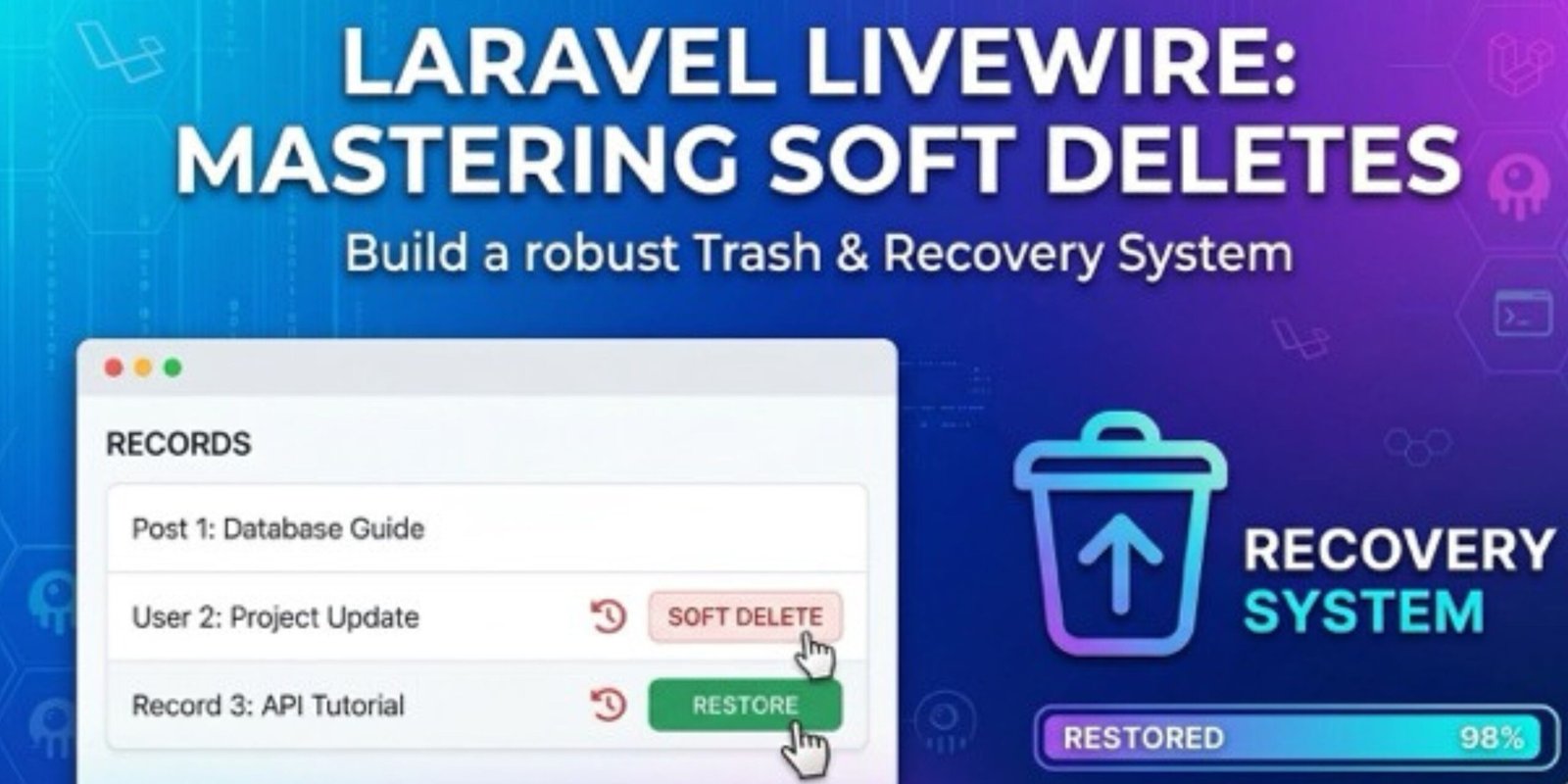
Setting up Soft Deletes in Laravel Livewire requires a specific sequence: updating the database schema, configuring the Eloquent model, and then handling the logic in your Livewire component.
Here is the complete, step-by-step implementation.
Step 1: Create the Migration
You need to add a deleted_at column to your database table. Run the following command in your terminal:
Bash
php artisan make:migration add_soft_deletes_to_posts_table --table=posts
Open the newly created migration file in database/migrations/ and add the softDeletes() helper:
PHP
public function up(): void
{
    Schema::table('posts', function (Blueprint $table) {
        $table->softDeletes(); // This creates the 'deleted_at' column
    });
}

public function down(): void
{
    Schema::table('posts', function (Blueprint $table) {
        $table->dropSoftDeletes(); // This removes it if rolled back
    });
}
Run the migration:
Bash
php artisan migrate
Step 2: Update the Eloquent Model
Your model must use the SoftDeletes trait so Laravel knows to intercept the delete command and update the timestamp instead of removing the row.
File: app/Models/Post.php
PHP
namespace App\Models;

use Illuminate\Database\Eloquent\Model;
use Illuminate\Database\Eloquent\SoftDeletes; // 1. Import the trait

class Post extends Model
{
    use SoftDeletes; // 2. Use the trait inside the class

    protected $fillable = ['title', 'content'];
}
Step 3: The Livewire Component Logic
In your Livewire component, you need methods to handle the three states: Soft Delete, Restore, and Force Delete.
File: app/Livewire/PostTable.php
PHP
namespace App\Livewire;

use Livewire\Component;
use App\Models\Post;

class PostTable extends Component
{
    // Standard Soft Delete
    public function deletePost($id)
    {
        Post::findOrFail($id)->delete();
        session()->flash('message', 'Post moved to trash.');
    }

    // Restore a Soft Deleted Post
    public function restorePost($id)
    {
        Post::withTrashed()->findOrFail($id)->restore();
        session()->flash('message', 'Post restored successfully.');
    }

    // Permanently Remove from Database
    public function forceDeletePost($id)
    {
        Post::withTrashed()->findOrFail($id)->forceDelete();
        session()->flash('message', 'Post permanently deleted.');
    }

    public function render()
    {
        return view('livewire.post-table', [
            // Using withTrashed() allows you to see both active and deleted items
            'posts' => Post::withTrashed()->latest()->get(),
        ]);
    }
}
Step 4: The Blade Template
You can use the $post->trashed() method to check if a record is soft-deleted and change the UI buttons accordingly.
File: resources/views/livewire/post-table.blade.php
HTML
<div>
    @if (session()->has('message'))
        <div class="alert alert-success">{{ session('message') }}</div>
    @endif

    <table class="table">
        <thead>
            <tr>
                <th>Title</th>
                <th>Status</th>
                <th>Actions</th>
            </tr>
        </thead>
        <tbody>
            @foreach($posts as $post)
            <tr class="{{ $post->trashed() ? 'table-secondary' : '' }}">
                <td>{{ $post->title }}</td>
                <td>
                    {{ $post->trashed() ? 'In Trash' : 'Active' }}
                </td>
                <td>
                    @if($post->trashed())
                        <button wire:click="restorePost({{ $post->id }})" class="btn btn-sm btn-success">Restore</button>
                        <button wire:click="forceDeletePost({{ $post->id }})"
                                onclick="confirm('Are you sure? This cannot be undone!') || event.stopImmediatePropagation()"
                                class="btn btn-sm btn-danger">Permanent Delete</button>
                    @else
                        <button wire:click="deletePost({{ $post->id }})" class="btn btn-sm btn-warning">Trash</button>
                    @endif
                </td>
            </tr>
            @endforeach
        </tbody>
    </table>
</div>
Summary of Commands
| Action | Eloquent Method |
| Soft Delete | $model->delete(); |
| Find including deleted | Model::withTrashed()->find($id); |
| Find only deleted | Model::onlyTrashed()->get(); |
| Restore | $model->restore(); |
| Permanent Delete | $model->forceDelete(); |
Leave a Reply