Tag: fixmycode.in
-
Best Free SSL Providers for Securing Your Website in 2025
Read More: Best Free SSL Providers for Securing Your Website in 2025Here is a plagiarism-free, SEO-optimized 1500-word blog post on the topic: Best Free SSL Providers for Securing Your Website in 2025 In today’s digital…
-
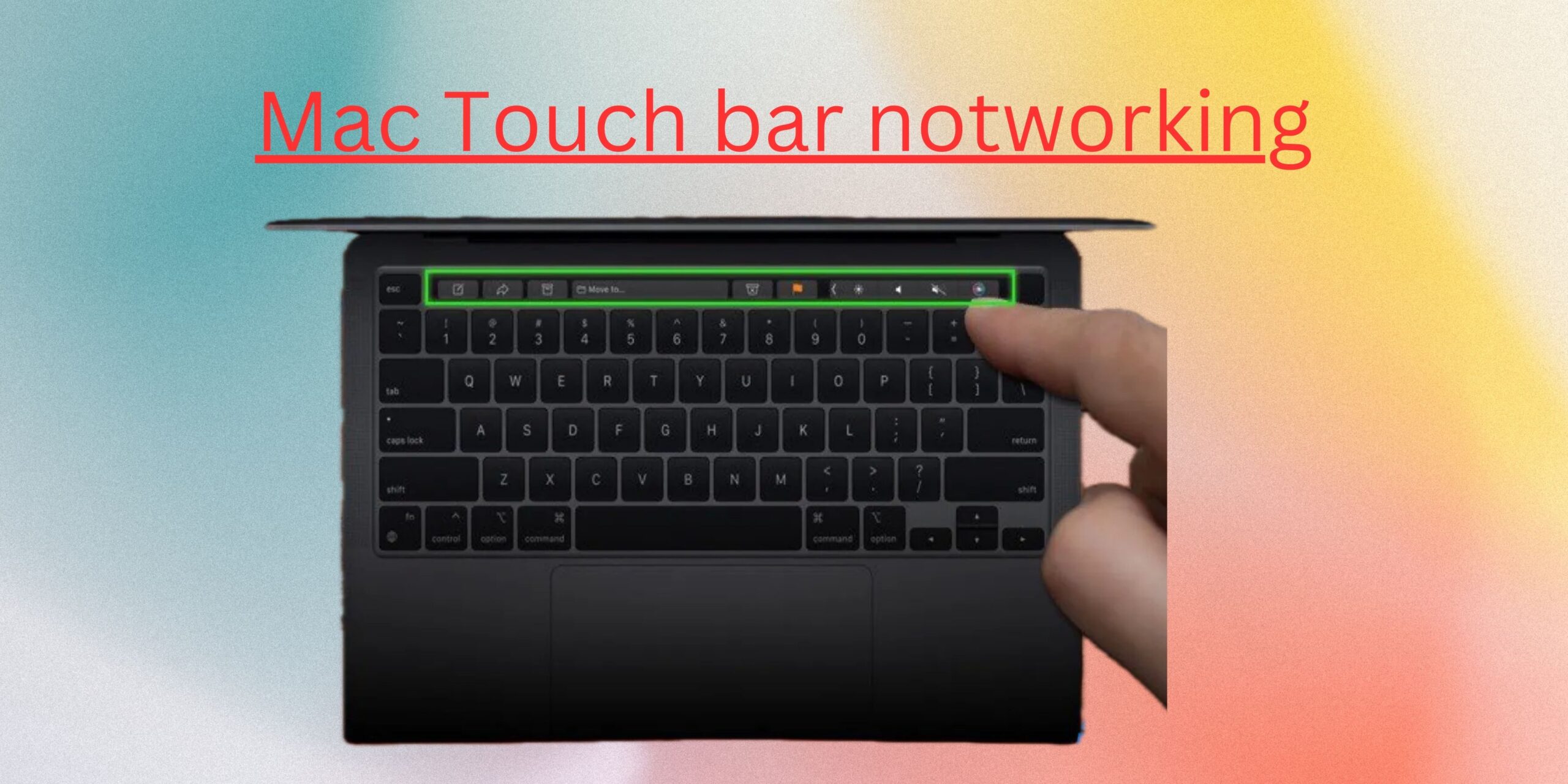
How to solve macbook touch screen not working problem
Read More: How to solve macbook touch screen not working problemJust to clarify: MacBook laptops do not have a touch screen — none of the MacBook Air or MacBook Pro models, even the latest…
-
How to solve this after update laravel 8 to 9 Undefined constant Illuminate\Http\Request::HEADER_X_FORWARDED_ALL
Read More: How to solve this after update laravel 8 to 9 Undefined constant Illuminate\Http\Request::HEADER_X_FORWARDED_ALLWhen upgrading from Laravel 8 to Laravel 9, the constant Illuminate\Http\Request::HEADER_X_FORWARDED_ALL was removed because it was never officially defined in Laravel. This was a…
-
Syntax error or access violation: 1140 Mixing of GROUP columns (MIN(),MAX(),COUNT(),…) with no GROUP columns is illegal if there is no GROUP BY clause in xammp
Read More: Syntax error or access violation: 1140 Mixing of GROUP columns (MIN(),MAX(),COUNT(),…) with no GROUP columns is illegal if there is no GROUP BY clause in xammpDisable ONLY_FULL_GROUP_BY in XAMPP (macOS) 🔧 1. Find your MySQL config file in XAMPP Open this file: Edit with a text editor: 🔍 2.…
-
How to increase phpmyadmin import size
Read More: How to increase phpmyadmin import sizeIncrease phpMyAdmin Import Limit in XAMPP (Mac) 🛠 1. Open the php.ini file used by XAMPP You can find it here: Use a text…
-
How to upgrade to Laravel 8?
Read More: How to upgrade to Laravel 8?Prerequisites PHP 7.3 In the previous version of Laravel, minimum PHP version was 7.2.5. However with the release of Laravel 8, at least PHP…
-
How to Install npm (and Node.js) on Mac
Read More: How to Install npm (and Node.js) on Mac🛠 Option 1: Install with Homebrew (Recommended) First, check if you have Homebrew installed: Now install Node.js (npm comes automatically): After it installs, check…
-
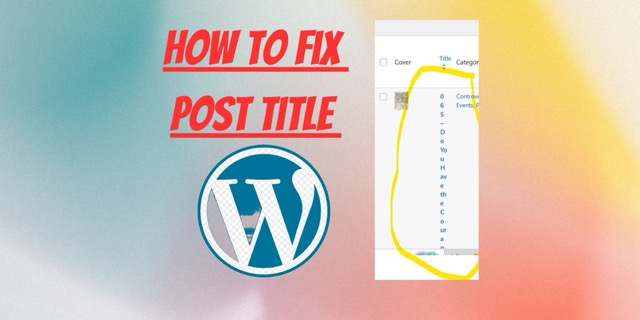
How to fix Post title showing in vertical form in WordPress Dashboard
Read More: How to fix Post title showing in vertical form in WordPress DashboardIf your post titles are showing vertically (letter-by-letter) in your WordPress dashboard, like this: …it’s likely a CSS issue, often caused by: ✅ Fixing…
-
How to Use Wget Command in crontab Ubuntu
Read More: How to Use Wget Command in crontab UbuntuThe wget command is a powerful utility for downloading files from the web, making it an essential tool for users of all experience levels.…
-
How to Install Free SSL on Ubuntu Server using Let’s Encrypt
Read More: How to Install Free SSL on Ubuntu Server using Let’s EncryptIntroduction Securing a website with SSL (Secure Sockets Layer) is essential to protect sensitive data and ensure a trusted connection between the server and…